Ever designed a part and had no clue what to do next? You've got the CAD file, the idea is solid, but manufacturing feels like a maze.
You're not alone. Most people overcomplicate it. Getting your prototypes or components manufactured can actually be simple — if you follow the right steps and understand how machining costs really work. This is a no-nonsense guide to getting real, working parts made, fast, without the usual frustration.
Step 1: Get Your Design Ready
Start with a proper CAD model. Tools like Fusion 360 or SolidWorks are fine. Your model should be clean — no weird edges, open faces, or missing holes.
If you're not confident your design can be machined, send it to us anyway. We check your file at no cost and tell you what needs fixing before you place an order. That alone can save days of back-and-forth.
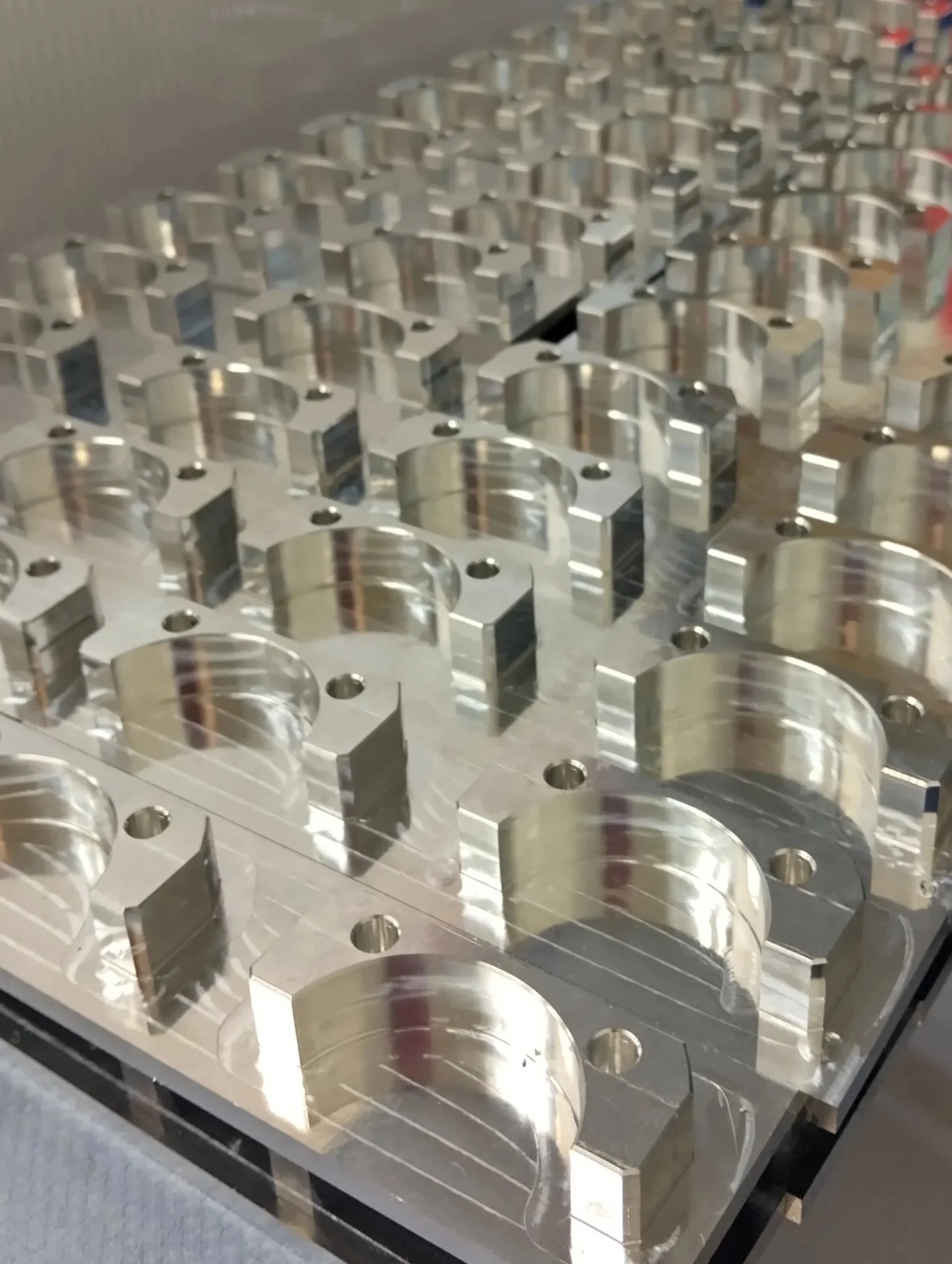
Step 2: Think Like a Machinist When You Design
This is where costs are made or lost. CNC machining prices aren't random — they're based on time, setup, and complexity. If your part takes longer to cut, it costs more.
Design smarter:
- Avoid deep holes and thin walls. They take longer to machine and risk deflection.
- Stick to standard hole sizes. Custom tooling adds both cost and lead time.
- Add fillets to internal corners. Sharp internal corners can't be cut by a round tool — they force smaller cutters and slower passes.
- Don't specify tight tolerances unless you need them. Most parts are fine at ±0.1 mm. Going tighter can double your cost.
We'll flag anything in your design that can be simplified, which cuts machining time and price.
Step 3: Pick the Right Material
This is where people often go wrong. Material choice affects price, strength, and turnaround.
- Aluminium 6061 — inexpensive, strong, easy to machine. Ideal for prototypes.
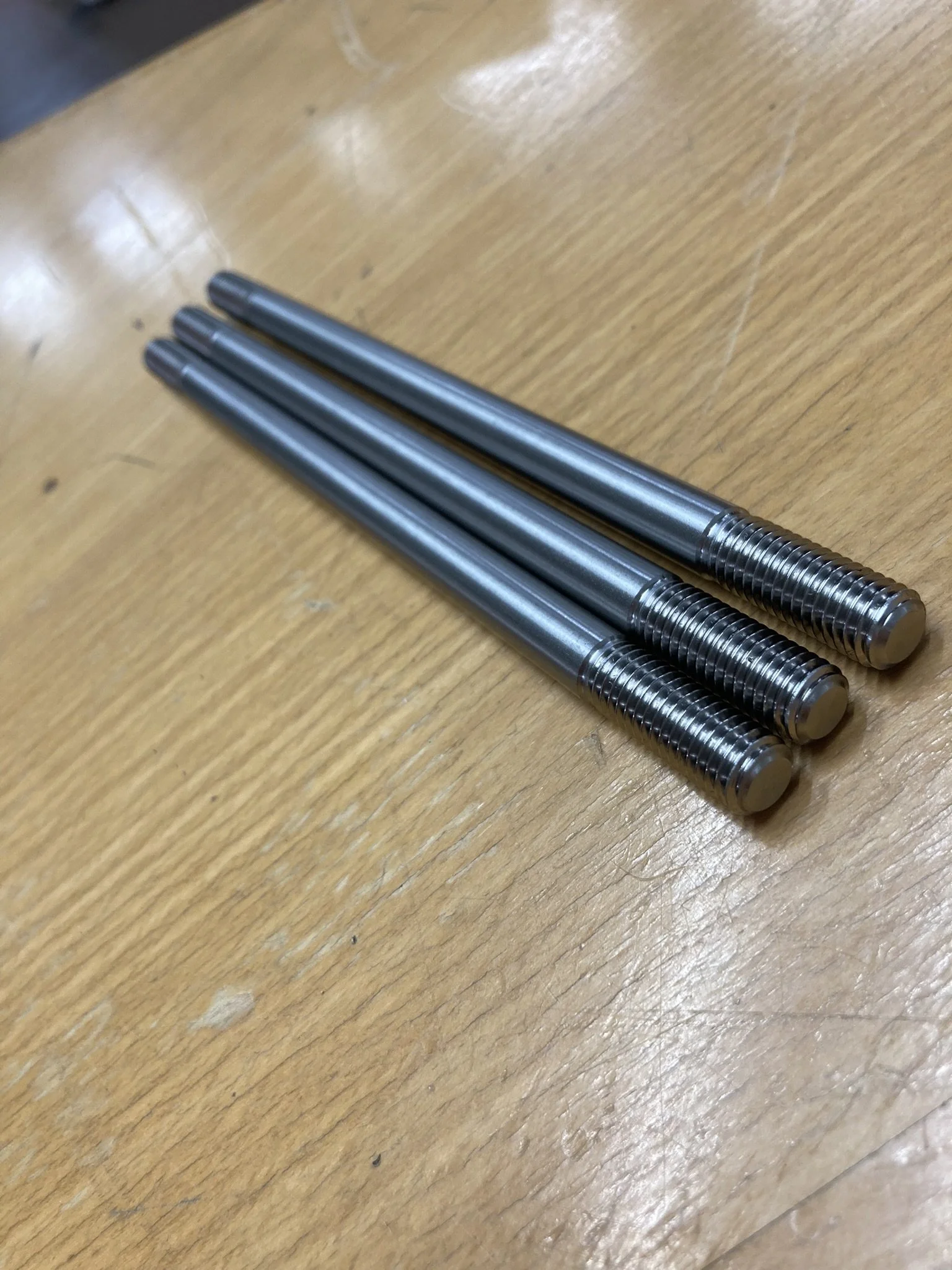
- Stainless steel — tougher and more durable, but slower and more expensive to cut.
- Brass — machines smoothly and has a premium finish.
- Engineering plastics (Delrin, Nylon, PEEK) — light and strong for functional testing.
If you're unsure, tell us what the part has to do and we'll recommend the material that fits.
Step 4: Get a Quote
Most traditional machine shops take days to return a quote. That's lost time. Upload your CAD files, tell us the material and quantity, and you'll have a price within 24 hours.
What Drives CNC Costs
- Machine time — the longer it takes to cut, the higher the cost.
- Setup cost — each new part or fixture adds setup time.
- Material cost — aluminium is cheap, titanium is not.
- Tolerances — tighter means more expensive.
- Quantity — one part is pricey; ten parts drop the unit price dramatically.
A simple aluminium prototype might cost €250–400 as a one-off. Order ten of the same part and the unit price can fall to around €45.
The reason is setup. Repetition spreads the fixed setup cost across the batch — and setup is a large share of what you're paying for.
Step 5: Confirm the Finish
Surface finish isn't only cosmetic. It affects wear, function, and cost.
- As machined — cheapest and fastest.
- Bead blasted — even matte finish.
- Anodised — adds corrosion resistance and colour.
- Powder coated — durable surface protection.
We offer all of these, and we'll tell you upfront if your finish choice affects lead time.
Step 6: Approve and Manufacture
Once the quote looks right, confirm it. You'll get an estimated lead time — usually 3 to 7 days for prototypes. We machine, inspect, and ship worldwide.
If you need updates or want to talk to an actual engineer rather than a sales desk, just email us.
Step 7: Review and Iterate
When your parts arrive, check them against your drawing or CAD file — dimensions, surface quality, and fit.
If something's off, we adjust the next batch quickly. That's the advantage of small-run CNC manufacturing: you can refine the design and re-order without retooling an entire production line.
How Much Does It Cost to CNC Parts?
As a rough guide:
- A simple aluminium part: €60–120
- A complex steel component: €200–400
Every project is evaluated individually — geometry, material, tolerance, and quantity all move the number. Send us the file and we'll price it properly.
Why Poly Workshop Beats Traditional Machine Shops
- Quotes within 24 hours, not days
- Prototypes in days, not weeks
- Free design-for-manufacture feedback before you commit
- 50+ materials and 20+ finishes supported
- Scales cleanly from one-off prototype to serial production
Whether you're developing a new product, building industrial equipment, or just need custom parts made properly, we can help.
FAQs
Final Thoughts
To turn your design into a real, working part you don't need a factory or a large budget. You need a machining partner who understands what you're trying to build and keeps the process simple.
Upload your CAD file. Get a quote fast. Receive your parts.